A free guide from Todd Johnson
Use your books and courses to teach an AI assistant.
Give your AI the complete book or course transcripts you have permission to upload, and ask it to connect the lessons across chapters. This guide shows you how to save an adviser, coach, tutor or assistant and test its answers against the originals.
Read the first three pages below. Subscribe to the Solutions newsletter and get the full 16-page guide, PDF and prompts.

Todd Johnson
Founder and Principal Consultant, InnovateX Solutions
Use your books and courses with AI
Swipe or use the arrow keys. Pages 1 to 3 are open; unlock the full guide to see the remaining 13 pages.
Swipe or use the arrow keys to move through all 16 pages.

Page 4: Ask an adviser to read your project files alongside the lessons.Pages 4 to 16 are in the full guide.
Unlock the full guidePage 5: Turn your conference notes into questions for your next sales call.Pages 4 to 16 are in the full guide.
Unlock the full guidePage 6: Practise saying no when your week is already full.Pages 4 to 16 are in the full guide.
Unlock the full guidePage 7: Ask the tutor to test you before it explains the answer.Pages 4 to 16 are in the full guide.
Unlock the full guidePage 8: Use your creator courses to teach an assistant how to write scripts.Pages 4 to 16 are in the full guide.
Unlock the full guidePage 9: Ask which passage answers your question.Pages 4 to 16 are in the full guide.
Unlock the full guidePage 10: You can use part of a book without adopting every recommendation.Pages 4 to 16 are in the full guide.
Unlock the full guidePage 11: Save the instructions so you don’t have to paste them every time.Pages 4 to 16 are in the full guide.
Unlock the full guidePage 12: Attach the whole book or course and paste prompt 1.Pages 4 to 16 are in the full guide.
Unlock the full guidePage 13: Use prompt 3 to write the instructions you’ll save.Pages 4 to 16 are in the full guide.
Unlock the full guidePage 14: Test whether the agent asks before inventing an answer.Pages 4 to 16 are in the full guide.
Unlock the full guidePage 15: Check permissions, references and answers.Pages 4 to 16 are in the full guide.
Unlock the full guidePage 16: Get help introducing AI across your business.Pages 4 to 16 are in the full guide.
Unlock the full guideText version of the pages
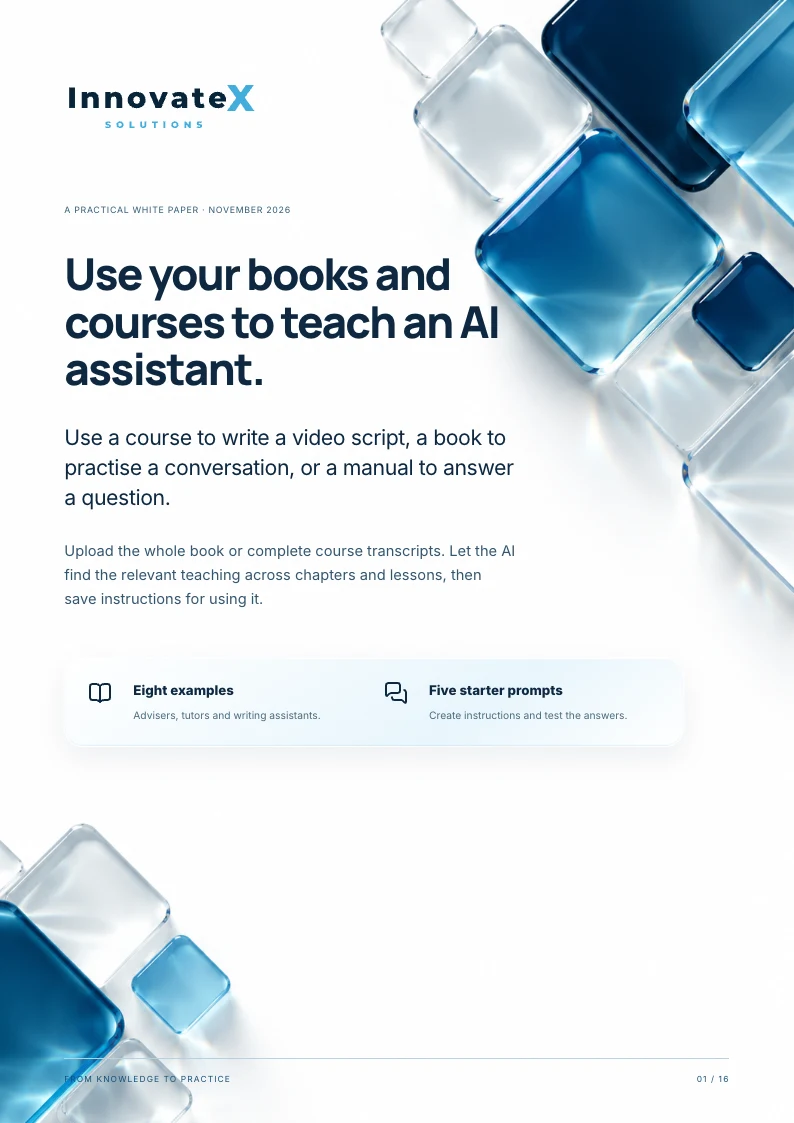
Page 1: Use your books and courses to teach an AI assistant.
- Use your books and courses to teach an AI assistant.
- Use a course to write a video script, a book to practise a conversation, or a manual to answer a question.
- Upload the whole book or complete course transcripts. Let the AI find the relevant teaching across chapters and lessons, then save instructions for using it.
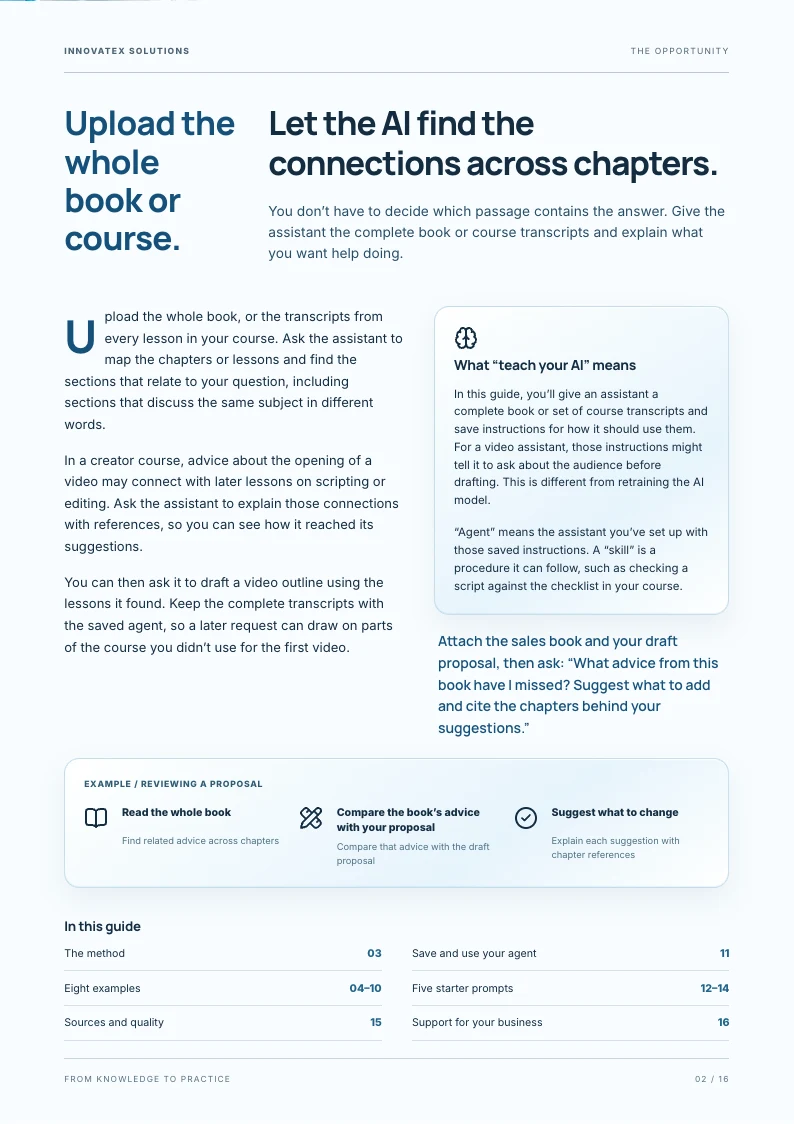
Page 2: Let the AI find the connections across chapters.
- Let the AI find the connections across chapters.
- You don’t have to decide which passage contains the answer. Give the assistant the complete book or course transcripts and explain what you want help doing.
- Upload the whole book, or the transcripts from every lesson in your course. Ask the assistant to map the chapters or lessons and find the sections that relate to your question, including sections that discuss the same subject in different words.
- In a creator course, advice about the opening of a video may connect with later lessons on scripting or editing. Ask the assistant to explain those connections with references, so you can see how it reached its suggestions.
- You can then ask it to draft a video outline using the lessons it found. Keep the complete transcripts with the saved agent, so a later request can draw on parts of the course you didn’t use for the first video.
- What “teach your AI” means
- In this guide, you’ll give an assistant a complete book or set of course transcripts and save instructions for how it should use them. For a video assistant, those instructions might tell it to ask about the audience before drafting. This is different from retraining the AI model.
- “Agent” means the assistant you’ve set up with those saved instructions. A “skill” is a procedure it can follow, such as checking a script against the checklist in your course.
- Attach the sales book and your draft proposal, then ask: “What advice from this book have I missed? Suggest what to add and cite the chapters behind your suggestions.”
- In this guide
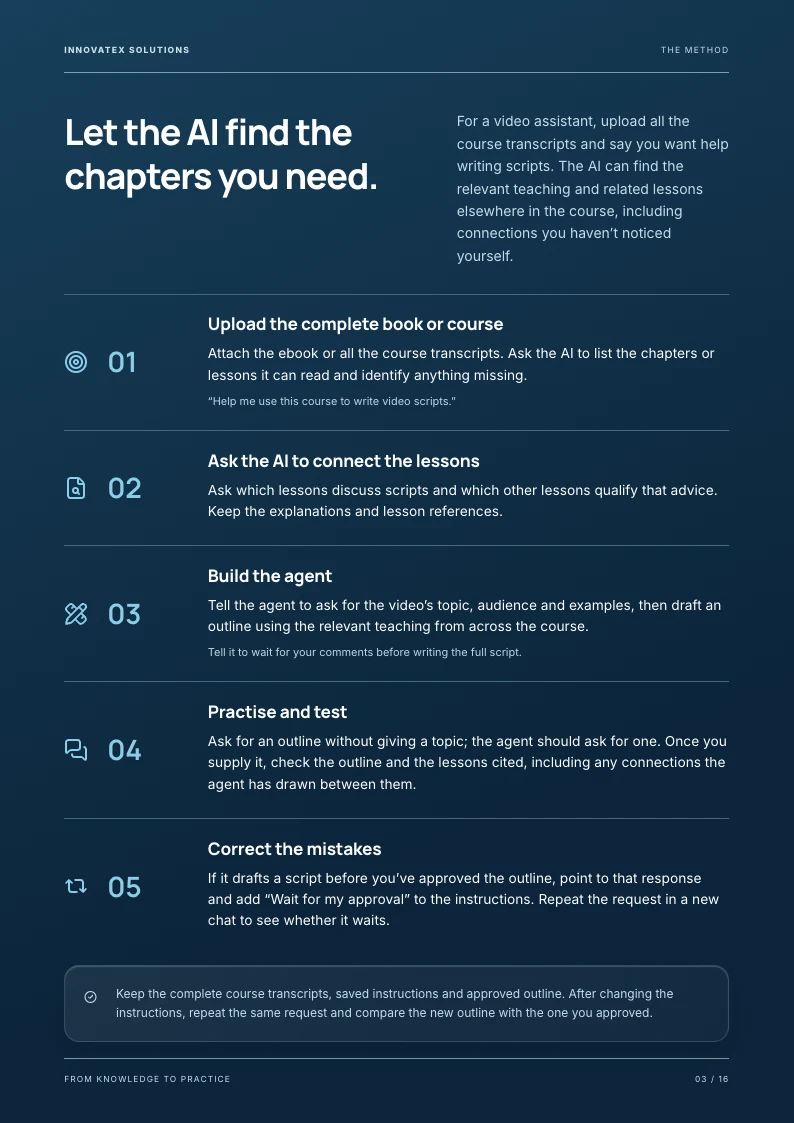
Page 3: Let the AI find the chapters you need.
- Let the AI find the chapters you need.
- For a video assistant, upload all the course transcripts and say you want help writing scripts. The AI can find the relevant teaching and related lessons elsewhere in the course, including connections you haven’t noticed yourself.
- Upload the complete book or course
- Attach the ebook or all the course transcripts. Ask the AI to list the chapters or lessons it can read and identify anything missing.
- Ask the AI to connect the lessons
- Ask which lessons discuss scripts and which other lessons qualify that advice. Keep the explanations and lesson references. 03 Build the agent
- Tell the agent to ask for the video’s topic, audience and examples, then draft an outline using the relevant teaching from across the course.
- Practise and test
- Ask for an outline without giving a topic; the agent should ask for one. Once you supply it, check the outline and the lessons cited, including any connections the agent has drawn between them. 05 Correct the mistakes
- If it drafts a script before you’ve approved the outline, point to that response and add “Wait for my approval” to the instructions. Repeat the request in a new chat to see whether it waits. Keep the complete course transcripts, saved instructions and approved outline. After changing the instructions, repeat the same request and compare the new outline with the one you approved.
Page 4: Ask an adviser to read your project files alongside the lessons.
Page 5: Turn your conference notes into questions for your next sales call.
Page 6: Practise saying no when your week is already full.
Page 7: Ask the tutor to test you before it explains the answer.
Page 8: Use your creator courses to teach an assistant how to write scripts.
Page 9: Ask which passage answers your question.
Page 10: You can use part of a book without adopting every recommendation.
Page 11: Save the instructions so you don’t have to paste them every time.
Page 12: Attach the whole book or course and paste prompt 1.
Page 13: Use prompt 3 to write the instructions you’ll save.
Page 14: Test whether the agent asks before inventing an answer.
Page 15: Check permissions, references and answers.
Page 16: Get help introducing AI across your business.
The text of pages 4 to 16 appears here once you unlock the full guide.
Get all 16 pages and the prompts
You have the full guide
Subscribe to the InnovateX Solutions newsletter to receive the PDF and starter prompts. The remaining pages open here when you submit the form.
All 16 pages are open above. Download the PDF or copy a prompt below when you’re ready to try it.
Download the PDFCopy a prompt and try it
Attach the complete book or course transcripts you have permission to upload. Keep the originals available when you test the assistant’s answers.
Download all starter prompts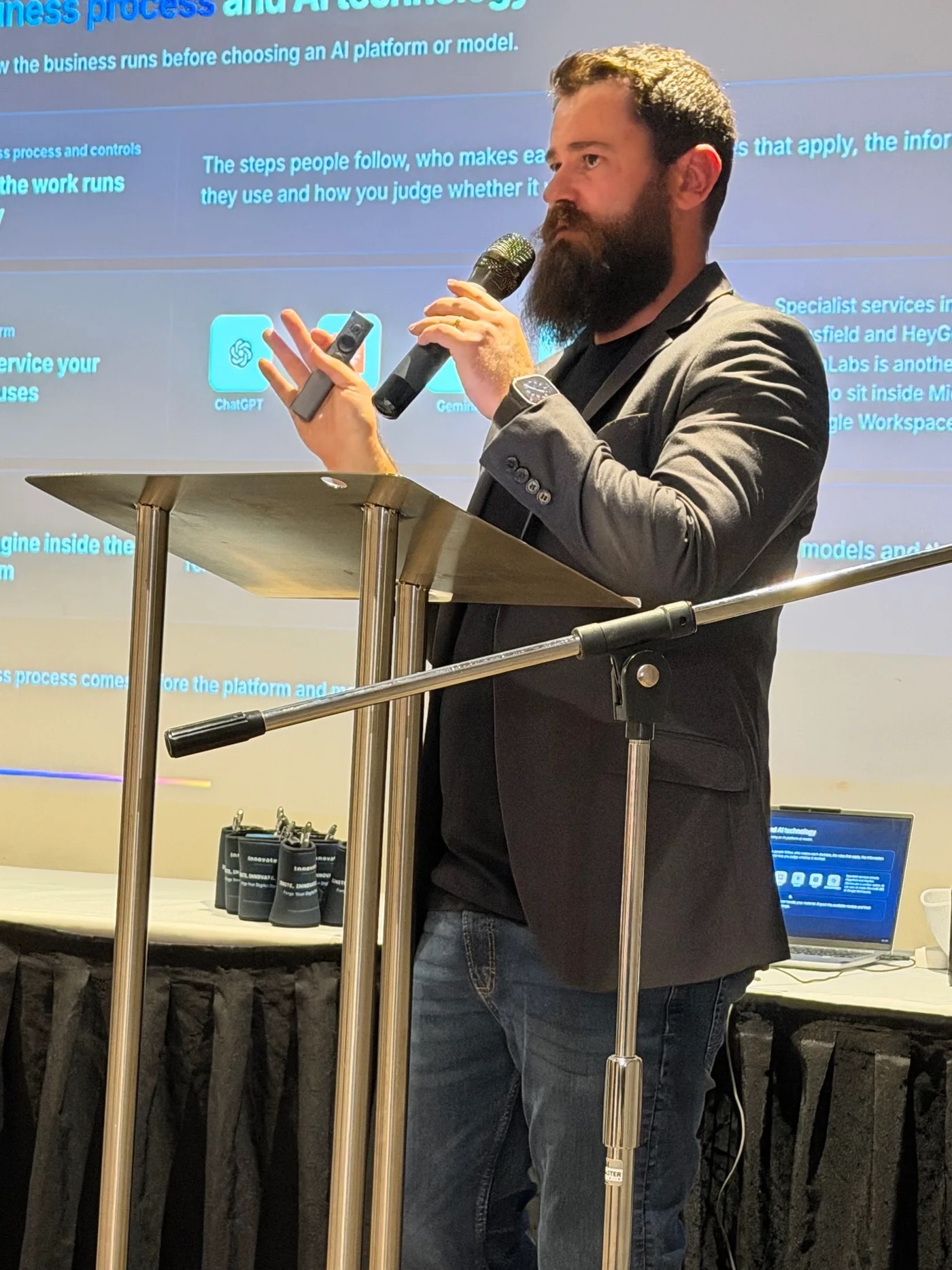
Get help introducing AI across your business.
For executive sponsors at Australian businesses with A$10–200 million in annual revenue.
We help you decide where to use AI, prepare your company’s existing procedures for agents to consult and train staff to check and improve the answers. Ongoing coaching helps your people maintain the instructions as those procedures change.
The AI Implementation Partnership includes AI leadership, training and coaching. We also help you build a company brain that holds the information and procedures your agents need. Agents or integrations built by InnovateX are quoted separately.
Discuss AI implementation for your business