

Skip to content

Is our business ready for Microsoft 365 Copilot?

Short answer

InnovateX gets your staff using Microsoft 365 Copilot on their own work within 90 days, seeing only the files their role needs. One partner leads the work through the AI Implementation Partnership.

Copilot becomes part of everyday Microsoft 365 work, and you buy the paid add-on only for the people who use it.

Microsoft Copilot by Microsoft

At a glance

  • Who is it for?

    Australian businesses that want Microsoft 365 Copilot working for their staff, with sharing reviewed and staff trained. The AI Implementation Partnership suits Australian organisations with A$10 million to A$200 million in annual revenue.
  • What's included?

    Microsoft 365 readiness work and your AI use policy, then training for the staff using Copilot and coaching for internal champions, with one partner accountable from start to adoption.
  • What happens in the first 90 days?

    Your first group of staff is trained on their own tasks, then uses Copilot on real work. Day 30 confirms who is ready, day 60 shows who uses it for which tasks, and day 90 compares time and output quality with the starting measures.
  • What does it cost and how is it bought?

    The AI Implementation Partnership is A$14,500 a month excluding GST, billed monthly with 30 days’ notice. Advisory retainers are from A$2,500 a month excluding GST. Most clients buy licences through their existing IT provider, which we work alongside. As a Microsoft CSP partner, we can also supply Microsoft 365 Copilot. We confirm scope before you commit.
  • Is training included?

    Yes. Staff learn Copilot on their own Microsoft 365 tasks. Individual and in-house Copilot training can also be booked on their own.
  • How is this different from an MSP or licence reseller?

    We lead AI delivery through to staff adoption, helping you make the security decisions and set the rules for staff use. We don’t run day-to-day IT support.

What protects our information, and where is it processed?

Your security team reviews the rollout before staff start, against the information limits in your AI use policy.

We check where data is stored and where queries are processed against your location requirements.

Vendor documentation checked 16 November 2026. Vendors change these terms; we confirm them for your plan before you commit.

How do staff see only the files their role needs?

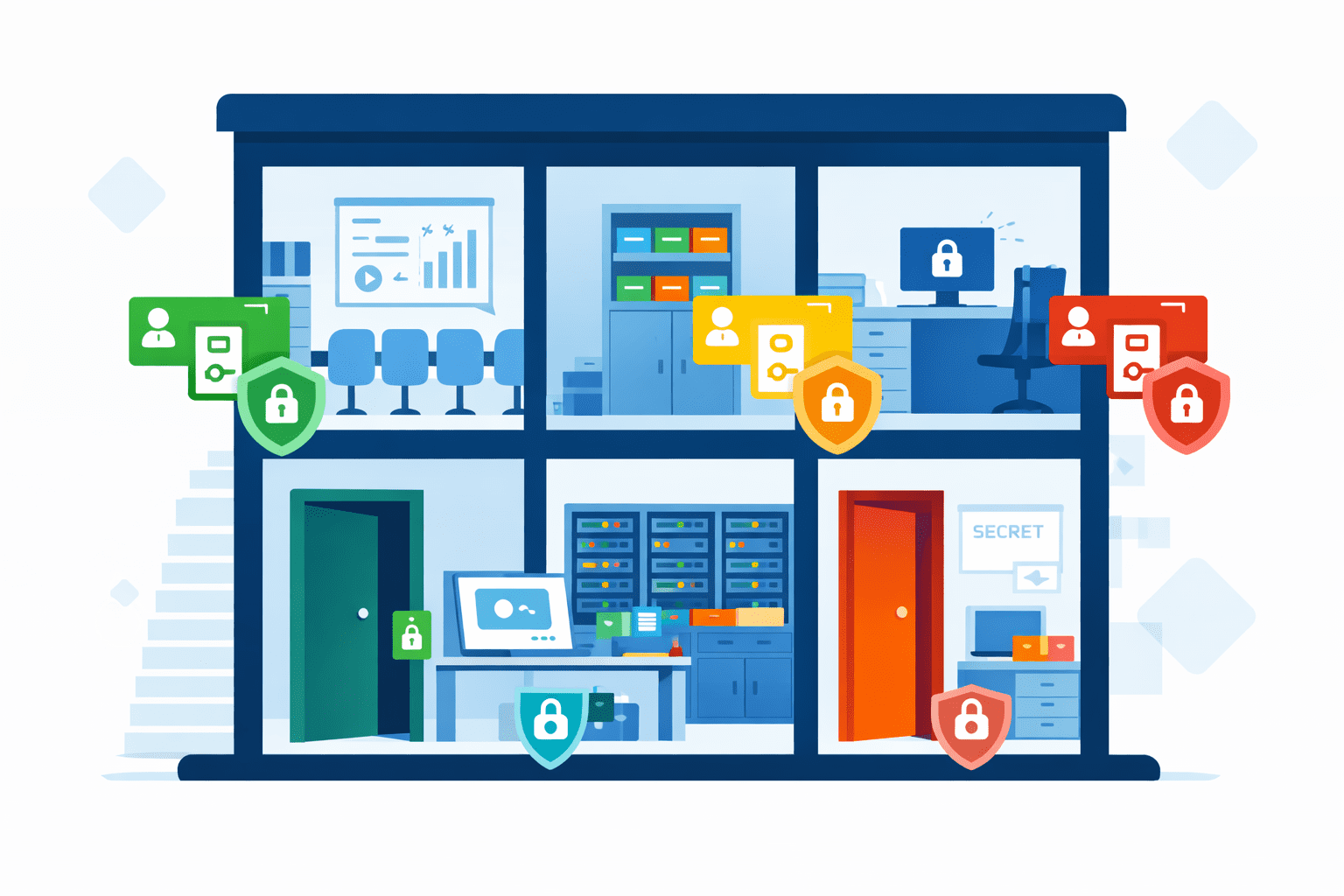
Fixing over-sharing first keeps confidential files out of the wrong people’s answers. We review who can open sensitive SharePoint and OneDrive files, department heads confirm what their teams need, and the review covers access groups and old guest sharing.

Your IT provider then tightens access that is too broad before Copilot uses the affected information, following our permissions review.

Do we already have Copilot, or do we need another licence?

You may already have part of it. Copilot Chat is included with eligible Microsoft 365 licences; full Microsoft 365 Copilot is a paid add-on.

We look at staff tasks and actual use to recommend who needs the paid product.

How do staff build Copilot into their work?

Staff learn Copilot with clear rules for checking its answers. We help write your AI use policy and set starting measures for time and output quality.

Our pre-Copilot checklist covers what to fix in your tenant before staff start. Staff open the files Copilot cites and log corrections and checking time, so you see how it performs on real work.

Microsoft 365 Copilot only shows organisational data a user already has at least view permission to.
Source: Microsoft: Data, privacy and security for Microsoft 365 Copilot

How could we use the first 90 days?

By day 30 the first group of staff is trained and ready for real tasks. By day 90 you know which tasks and people it helps and who should join next.

  1. Days 1 to 15

    Access reviewed and tightened

    Sharing and access are reviewed and the changes are made. We also pick the first staff and Microsoft 365 tasks and measure how they perform today.

  2. Days 16 to 30

    People ready to use Copilot

    Staff get practical training on their own tasks, and internal champions are coached to help colleagues as they start. The day-30 review confirms who is ready to start.

  3. Days 31 to 60

    Who needs the paid licence?

    Day 60 shows who uses Copilot and for which tasks. Corrections and checking time tell us which licence mix the work needs.

  4. Days 61 to 90

    Progress you can take to your board

    By day 90 you can compare the results with the starting measures. We recommend which tasks and people to add next and train those staff.

Can staff practise Copilot using their everyday tasks?

Yes. Training starts with the Microsoft 365 tasks staff do every day. They practise on real work, so they can see where Copilot helps. The partnership includes role-based training and coaching for internal champions. Standalone AI training is available from A$1,470.

AI training
Todd Johnson presenting a slide titled Governance built into the work to a seated business audience
Todd presenting at the CUB AI roundtable, Brisbane.

Which option suits our business size and IT capability?

Our flagship engagement is for organisations with A$10 million to A$200 million in annual revenue. We work with your staff to get AI running in their daily work and train the people who use the tools.

A smaller business whose own staff can set the tools up usually fits the advisory Fractional Chief AI Officer retainer, from A$2,500 a month. See the advisory retainer

Questions buyers ask

Who can help roll out Microsoft Copilot for a small business in Australia?

InnovateX Solutions, based in Brisbane, plans Microsoft 365 Copilot rollouts and trains staff on their own work. Smaller businesses whose staff can set up the tools usually fit our advisory Fractional Chief AI Officer retainer.

Do we need a paid Copilot licence for every staff member?

Usually not. Copilot Chat is included with eligible Microsoft 365 licences, while full Microsoft 365 Copilot requires a paid add-on. We use staff tasks and actual use to identify which roles need it.

Can we buy Copilot licences through InnovateX?

Yes. Most clients buy through their existing IT provider, which we work alongside. As a Microsoft CSP partner, we can also supply Microsoft 365 Copilot.

Does Copilot respect our existing permissions?

Yes. Copilot only shows organisational data a user already has at least view permission to, which is why we review sharing before staff start.

Is Copilot processing already available in Australia?

Not yet, as at 16 November 2026. Microsoft expects Australian in-country Copilot processing by the end of 2026.

Will you replace our current IT support company?

No. We lead the AI rollout and staff training, working alongside your current provider, which keeps day-to-day IT support.

How soon could your staff be using Copilot?

Book a 30-minute call to talk through your Microsoft 365 environment and who will use Copilot. We will recommend the engagement that gets them there.

Book a 30-minute call Microsoft Teams · Monday to Friday, 9am to 4pm AEST