InnovateX Solutions helps Brisbane businesses find out what’s actually going on inside their Microsoft 365 tenants — before someone else does. Most organisations on Microsoft 365 Business Standard are running with default settings that leave significant security gaps. Here’s what to ask your IT provider about, and what “good” actually looks like when measured against Australian and international security standards.
If you’re running a business in Brisbane or the Moreton Bay region with 10 or more staff on Microsoft 365, there’s a decent chance your tenant isn’t configured the way it should be. Not because anyone’s done the wrong thing — but because the default settings Microsoft ships with are designed for ease of use, not security. And that gap between “working” and “secure” is exactly where attackers operate.
Your Microsoft Secure Score Is a Starting Point — Not the Finish Line
Microsoft Secure Score is built into every Microsoft 365 tenant, and it’s a reasonable place to start. It gives you a percentage-based score that reflects how your security settings stack up against Microsoft’s own recommendations. You can find it in the Microsoft Defender portal, and it covers identity, devices, apps, and data.
Here’s the thing though — Secure Score only measures what Microsoft thinks you should be doing with Microsoft products. It doesn’t account for your specific industry requirements, Australian regulatory obligations, or how your staff actually use the platform day-to-day. A tenant can score well on Secure Score and still have serious gaps when measured against frameworks like the Australian Signals Directorate’s (ASD) Blueprint for Secure Cloud, the CIS Microsoft 365 Foundations Benchmark, or the Essential Eight.
Most mid-market businesses sit somewhere between 40% and 60% on Secure Score. If yours is in that range, you’re not alone — but you’re also not where you need to be. And if you don’t know your score at all, that’s the first conversation to have with your IT provider.
The Five Areas That Matter Most
When we assess a Microsoft 365 tenant, we look at five core areas. These align with the CIS Microsoft 365 Foundations Benchmark, ASD’s Blueprint for Secure Cloud, and the Essential Eight — and they’re the areas where we see the most risk in Brisbane businesses running Business Standard licences.
1. Identity and Access Management
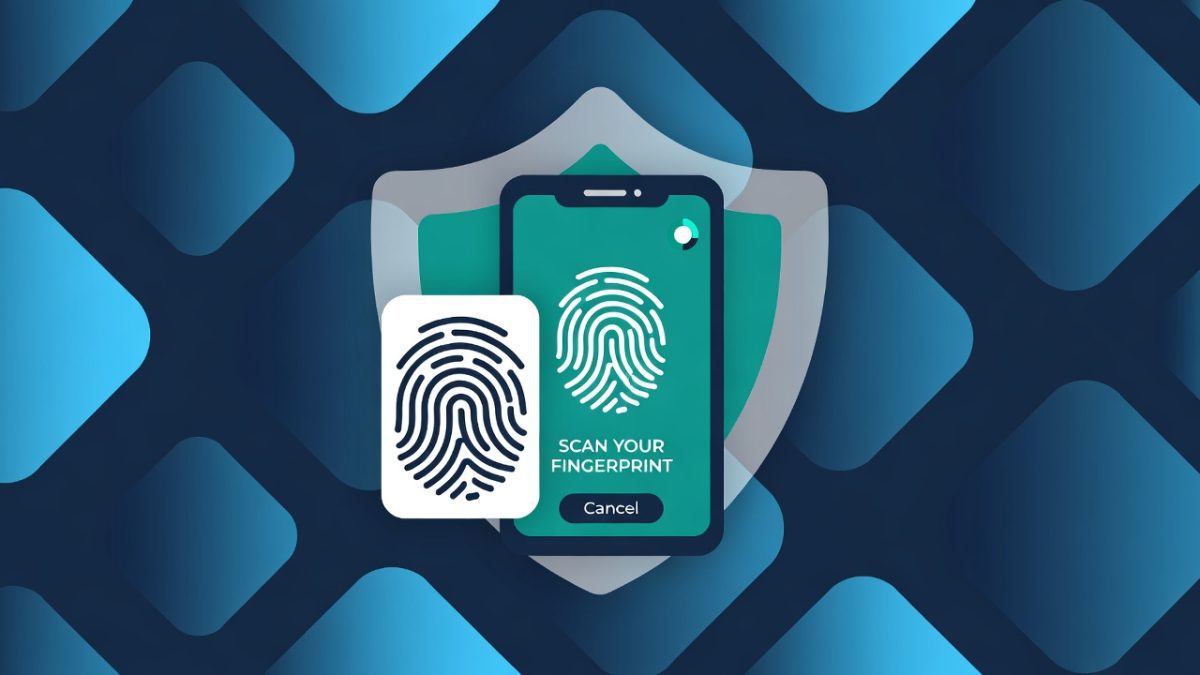
This is the front door to your entire business. If someone compromises an identity in your Microsoft 365 tenant, they potentially have access to your email, your files, your Teams conversations, and your client data.
What to ask your IT provider:
The licensing reality: Conditional Access policies — which are essential for proper MFA enforcement, location-based access controls, and device compliance checks — require Microsoft Entra ID P1 licensing. This comes included with Microsoft 365 Business Premium, E3, and E5, but not with Business Standard. If you’re on Business Standard, you’re limited to Security Defaults, which is a basic on/off switch rather than the granular control your business needs.
2. Email Security
Email remains the most common attack vector for Australian businesses. Phishing, business email compromise, and invoice fraud all start in the inbox.
What to ask your IT provider:
The licensing reality: Basic Exchange Online Protection comes with all Microsoft 365 plans, but Defender for Office 365 (Safe Links, Safe Attachments, advanced anti-phishing) requires Business Premium, E3 with Defender add-on, or E5. Without it, you’re relying on basic filtering that sophisticated phishing attacks routinely bypass.
3. Data Protection and Sharing
How your data is shared, both internally and externally, is one of the areas where default Microsoft 365 settings are most permissive — and most risky.
What to ask your IT provider:
The licensing reality: Basic DLP is available in Business Standard for Exchange Online, but comprehensive DLP across SharePoint, OneDrive, and Teams — plus sensitivity labelling and Microsoft Purview — requires Business Premium, E3, or E5 licensing. This is one of the strongest arguments for upgrading from Business Standard if you handle sensitive client data.
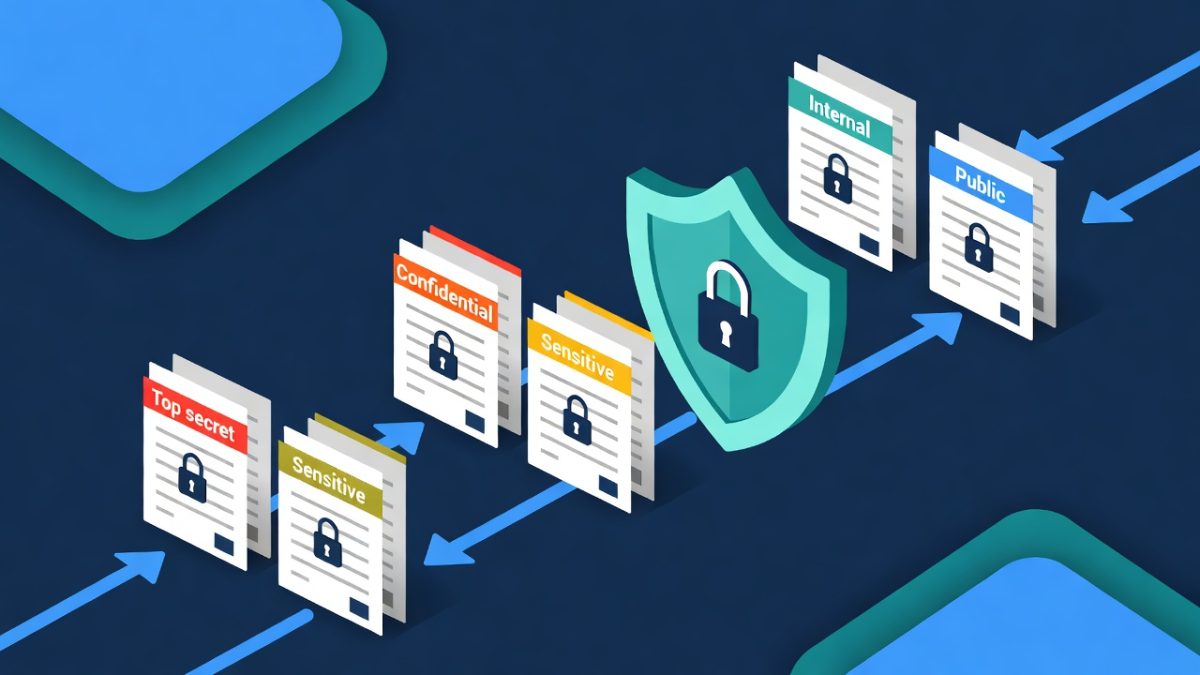
This is the first in a series of posts about securing your Microsoft 365 environment. Our next post will take a deeper dive into data classification and information protection — specifically, how to categorise your business data and apply the right level of protection to each type. If you’re handling client data, financial records, or personal information, you’ll want to read that one.
4. Device and Endpoint Management
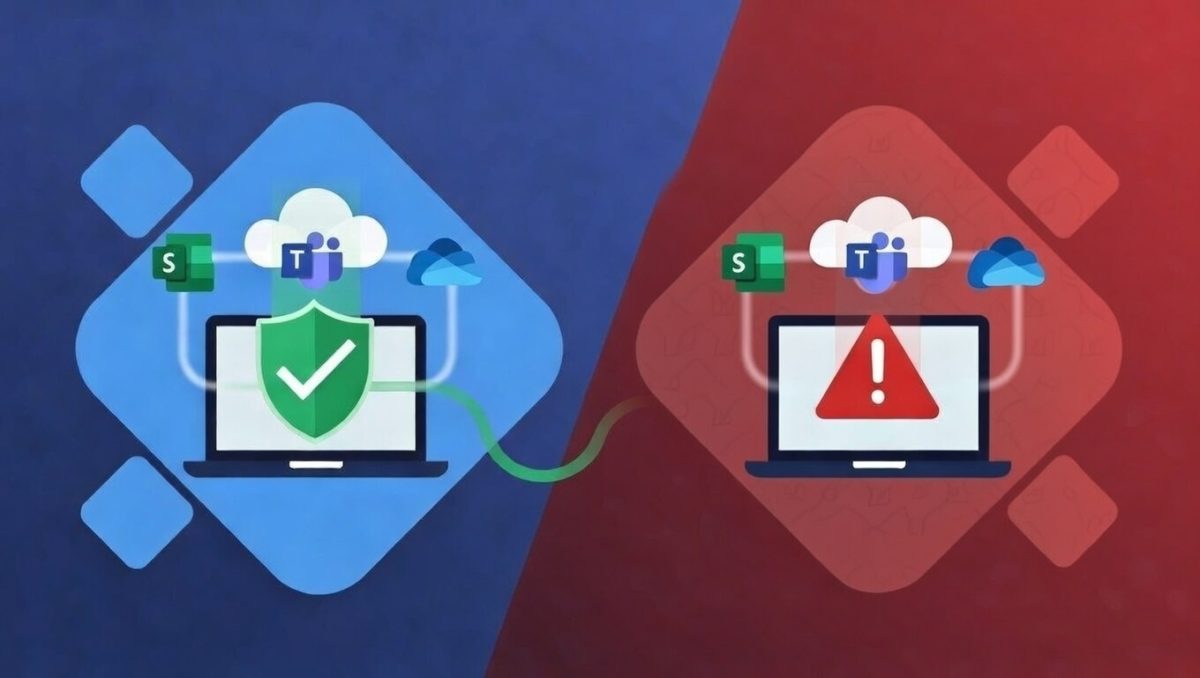
Every device that connects to your Microsoft 365 tenant is a potential entry point. If your staff are logging into Outlook or Teams from unmanaged personal devices, you’ve got a significant blind spot.
What to ask your IT provider:
The licensing reality: Microsoft Intune is included in Business Premium, E3, and E5. Business Standard doesn’t include device management capabilities. Without Intune, you can’t enforce device compliance policies through Conditional Access, which means you can’t verify that devices accessing your data meet your security requirements.
5. Administration and Audit Logging
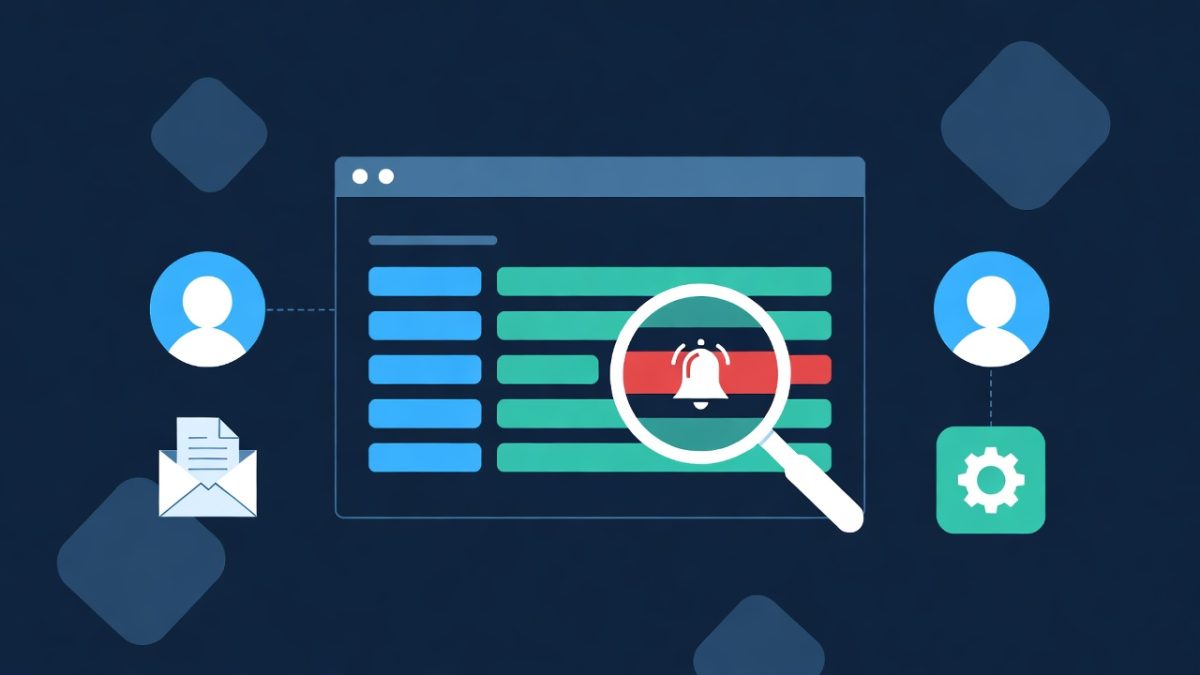
If something goes wrong — and in cyber security, “if” is really “when” — you need to know what happened, when, and who was involved. Audit logging and proper administration practices are your safety net.
What to ask your IT provider:
The Licensing Gap Most Businesses Don’t Know About
Here’s the honest truth that a lot of IT providers don’t explain clearly enough: Microsoft 365 Business Standard doesn’t include the security features most businesses actually need.
Business Standard is a solid productivity platform. You get Exchange Online, SharePoint, OneDrive, Teams, and the desktop Office apps. But it doesn’t include Conditional Access, Microsoft Intune, Defender for Office 365, or Microsoft Purview — all of which are essential for meeting the security requirements outlined in the CIS Benchmark, ASD’s Blueprint for Secure Cloud, and the Essential Eight.
Microsoft 365 Business Premium, E3, or E5 (depending on your organisation’s size and needs) include these security features. The cost difference between Business Standard and Business Premium is roughly the price of a coffee per user per day — and given what’s at stake, it’s one of the most cost-effective security investments you can make.
Your IT provider should be having this conversation with you. If they haven’t, that’s worth noting.
Why This Matters for Your Industry
The risks aren’t theoretical. Every day, Australian businesses face email compromise attacks, ransomware, and data breaches that start with poorly configured Microsoft 365 tenants.
For legal firms, a compromised email account could expose privileged client communications and trust account details. The Queensland Law Society expects firms to maintain appropriate data security, and the Privacy Act imposes notification obligations for eligible data breaches.
For accounting practices, access to your Microsoft 365 tenant means access to client financial data, BAS information, and tax records. Professional standards and the Privacy Act both require you to protect this information appropriately.
For healthcare providers, patient records and clinical data are among the most sensitive information any organisation holds. The Privacy Act, health records legislation, and AHPRA standards all set expectations around digital security.
For early learning centres, you’re holding children’s personal information, family details, and potentially sensitive photos. The privacy obligations around minors’ data are significant, and parents rightly expect robust protection.
In each of these cases, the security controls we’ve described aren’t optional extras — they’re the minimum baseline for protecting the people and organisations that trust you with their data.
What “Good” Looks Like
A properly secured Microsoft 365 tenant for a Brisbane business should, at minimum, have the following in place. This aligns with the CIS Microsoft 365 Foundations Benchmark (currently version 6.0.0), ASD’s Blueprint for Secure Cloud, Essential Eight Maturity Level 2, and the SMB1001 framework:
- MFA enforced on all accounts through Conditional Access policies, with phishing-resistant methods for administrators
- Legacy authentication blocked across all protocols
- Conditional Access policies controlling access based on user, device, location, and risk level
- Safe Links and Safe Attachments enabled for email protection
- SPF, DKIM, and DMARC properly configured on all domains
- External sharing restricted and controlled through policy
- DLP policies detecting and preventing sensitive data exposure
- Devices managed through Intune with compliance policies enforced
- Admin accounts separated from daily-use accounts with appropriate role scoping
- Audit logging enabled with alerting on high-risk activities
- Automatic external email forwarding disabled at the tenant level
If you’re not sure whether your tenant meets these standards, that’s a great reason to have a chat.
Frequently Asked Questions
Isn't Microsoft 365 secure by default?
What's the difference between Security Defaults and Conditional Access?
How much does it cost to upgrade from Business Standard to Business Premium?
Alternatively, as a Microsoft Reseller, we can provide you a quote.
Does my Microsoft 365 tenant need to comply with the Essential Eight?
How often should my Microsoft 365 security settings be reviewed?
Can InnovateX Solutions help secure my Microsoft 365 tenant?

Let’s Have a Chat About Your IT
If you’ve read through this and you’re not sure where your tenant sits — or you’re starting to wonder whether your current IT provider has these things covered — the best next step is a conversation.
InnovateX Solutions is SMB1001 Gold certified, on the Queensland Government ICT Professional Services panel, and our team brings over 20 years of enterprise and government architecture experience.
A discovery call is a no-pressure chat about your business, your IT setup, and what’s actually working (and what isn’t). We’ll give you an honest assessment of where things stand, whether that means working with us or not.
This is the first post in our Microsoft 365 security series. Coming up next: “How to Classify and Protect Your Business Data in Microsoft 365” — where we’ll cover sensitivity labels, information protection policies, and how to make sure your most valuable data has the right level of security. After that, we’ll explore information barriers and access levels, followed by how AI tools like Microsoft Copilot interact with your data and what you need to have in place before you switch them on.
Related: